Newmi
Everything in the app
Newmi has five places: Today, Following, Sports, Explore and Saved. Each label shows where a feature stands today.
Today and Latest
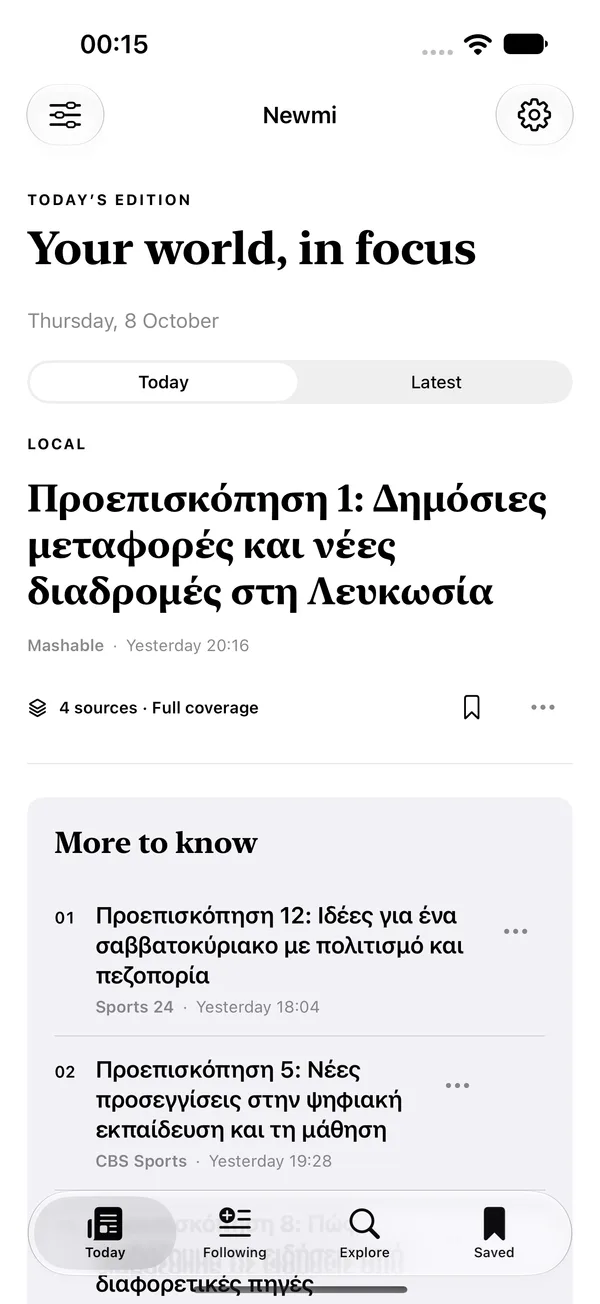
Today is an edition for you: the important events first, in a mix of layouts, without the same story twice. Latest is the same stories, newest first. The edition stays put while you read, and when newer stories arrive a small “new stories” button lets you refresh when you choose.
- Stable order and paging while you read
- Your last edition is kept, so the app opens instantly, with its age shown
- Works in light and dark, at any text size
Full coverage and timelines
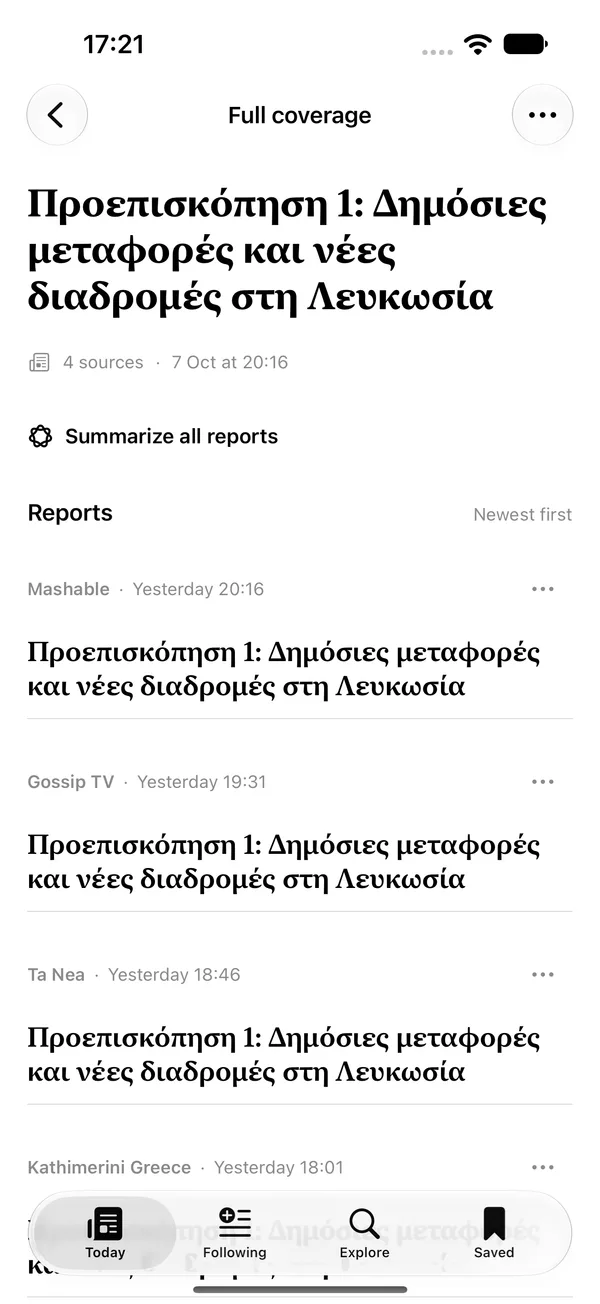
When several publishers report the same event, Newmi shows it once and tells you how many sources reported it. Open Full coverage to compare each version, newest first. A story’s timeline shows how it developed, from the first report to the latest.
- Read the original report on the publisher’s site
- See developments of a story in order
- Hide a publisher or a story, with Undo
Summaries on your device
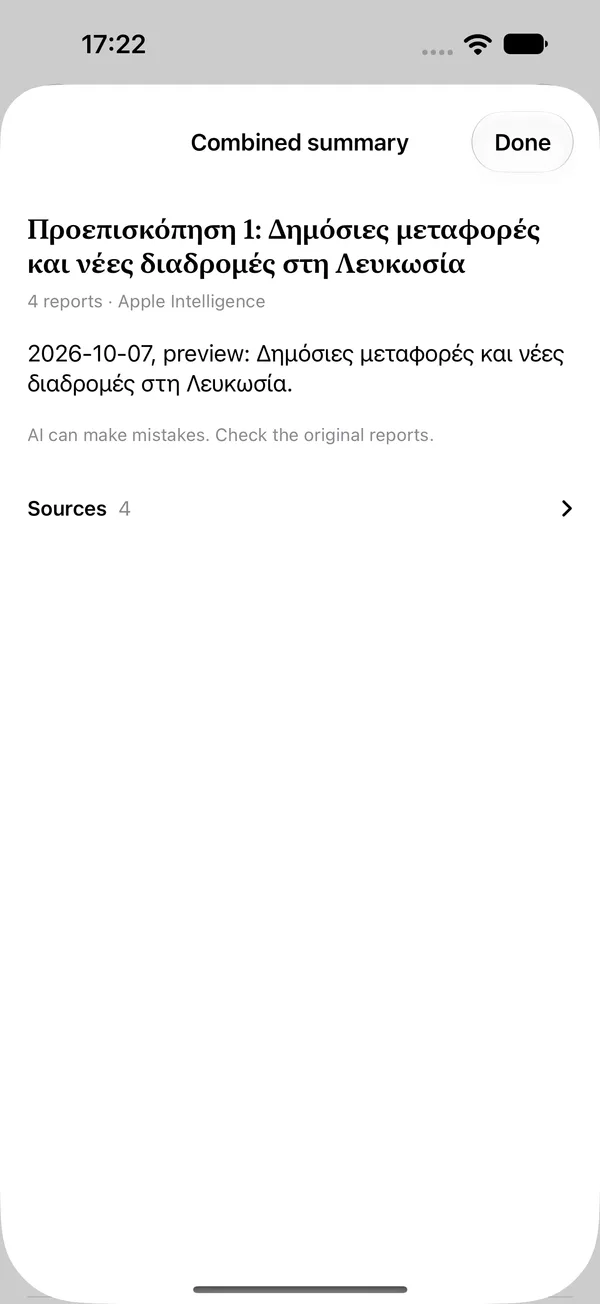
Summarize one report, every report on an event, or a whole timeline. Summaries are written on your iPhone or iPad from the articles’ text, in the language of the article, and link back to the sources. They can leave details out or make mistakes, so the original reports stay one tap away.
- English with Apple’s on-device model on iOS 26 or later
- Greek with a model downloaded to your device; it can take longer
- Nothing is sent to an AI service
My interests
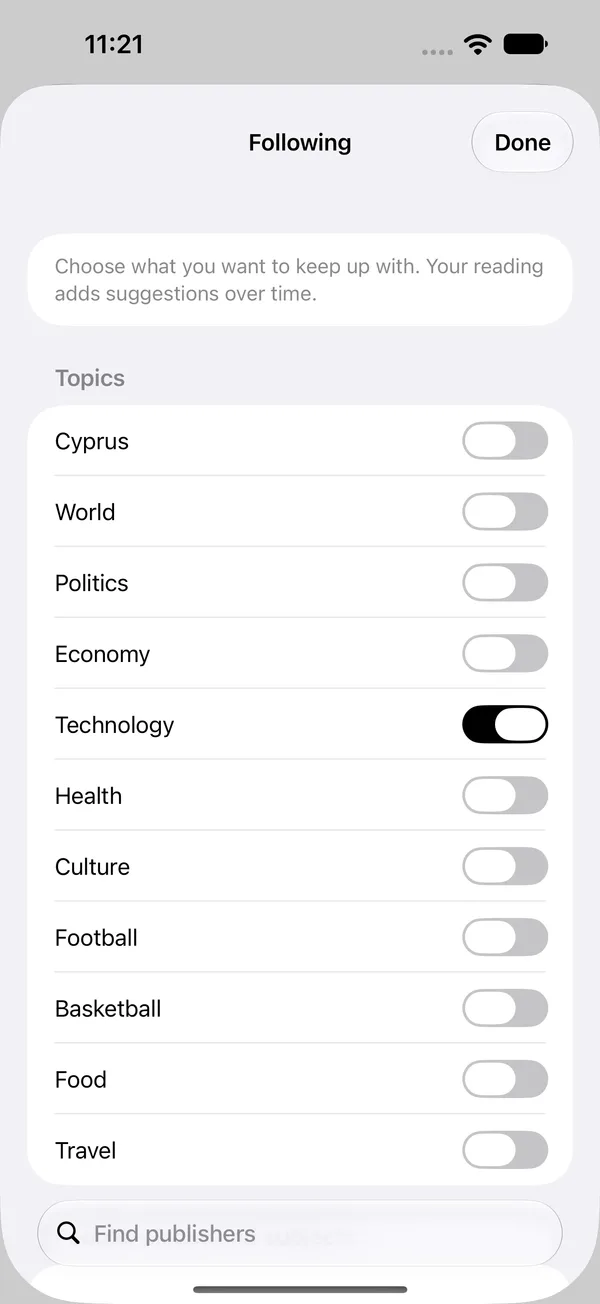
Choose topics, publishers and subjects. Following shows only what matches; Today ranks it first. Your reading adds suggestions over time and you can see why a story appeared. Hidden publishers disappear everywhere.
- Topics, publishers by language, and your own subjects
- More like this, less like this, and hide
- Your choices belong to you and can be reset
Saved, history and sync
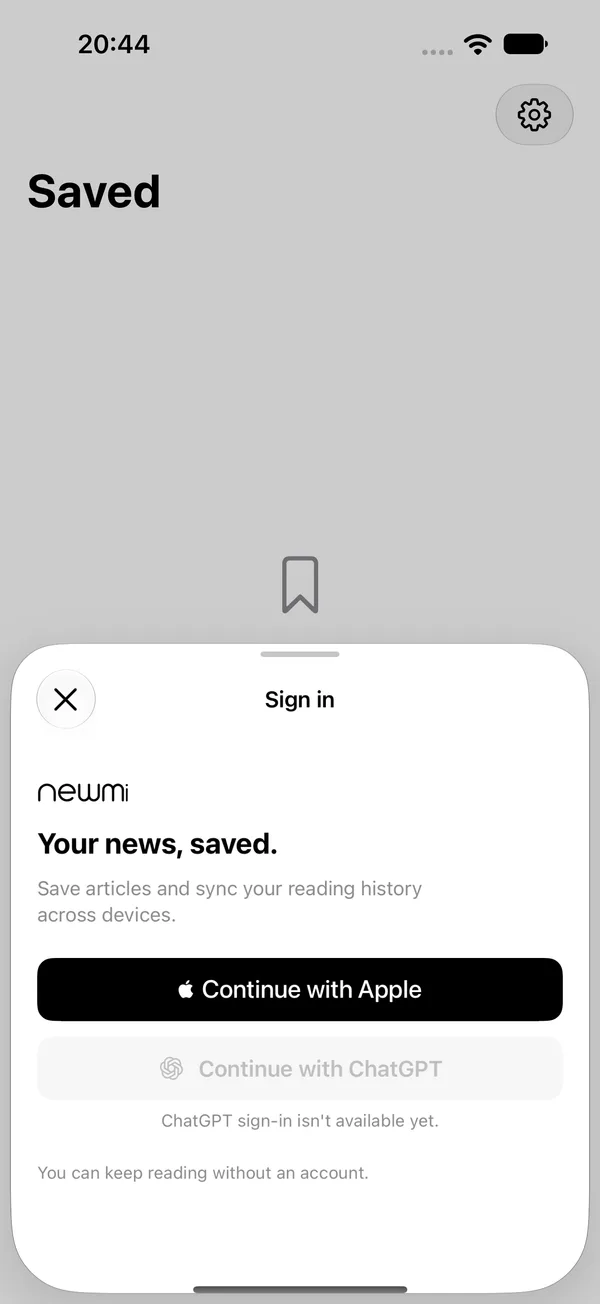
Save stories and keep your reading history across devices. Reading never needs an account. Sign in with Apple, and with ChatGPT once it is approved. If you use more than one sign-in method, you can merge the two accounts after confirming you own both.
- Save a story before signing in; it is saved when you finish
- Clear history whenever you like
- Merging needs your explicit consent
And more
Sports
Pick your favorite clubs, competitions and players. Results appear in the headline, with team pages and match pages that sort reports, reactions and videos. Basketball fixtures and tables are on team pages when sports data is enabled.
Goal alerts and live scores
Alerts for up to three teams are included. Live scores and unlimited alerts are part of Newmi Plus, which is not on sale yet.
Daily glance
Name days, plus fuel prices for Cyprus and Greece, in the Today header.
Sports widget
A home-screen and lock-screen widget with your teams’ latest stories and results.
Widths from phone to foldable
On large screens the feed and the story sit side by side.
Android
A native Android app is being built with the same editions, saved stories and account. It is not released.